
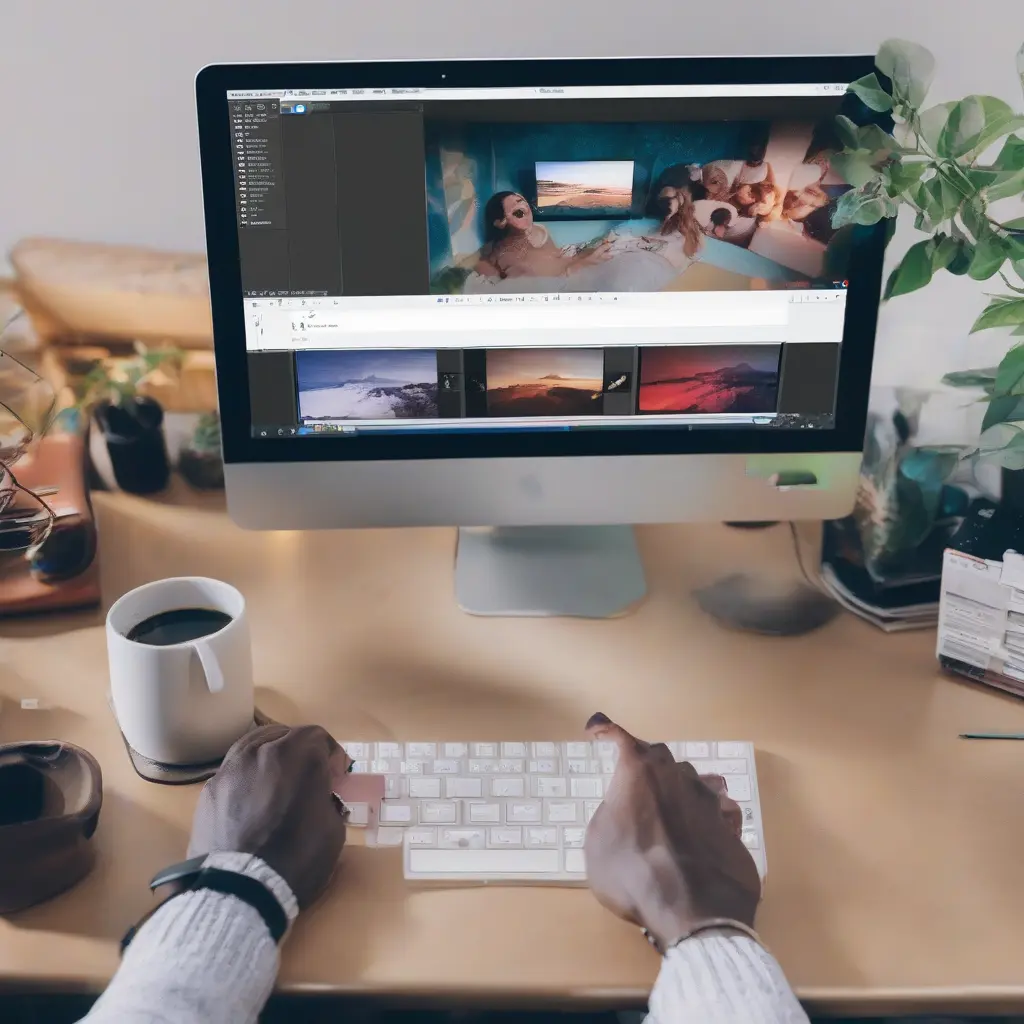
Video editing for social media has become increasingly important in the digital age, as engaging content is key to audience retention and growth. This beginner’s guide will explore various video editing software options tailored for social media content creation, highlighting their unique features and usability. Whether you are a complete novice or someone looking to enhance your video editing skills, understanding the tools available can significantly improve your content. From simple mobile apps to powerful desktop software, this guide will help you find the right fit for your creative vision.
Why Video Editing is Essential for Social Media
In today’s fast-paced social media landscape, high-quality video content stands out among the sea of static images and text. Video editing enhances the visual appeal, allowing you to cut out unnecessary parts, add effects, and create a cohesive narrative. Engaging videos can increase viewer retention and encourage more shares, driving organic reach. By understanding the importance of video editing, content creators can elevate their social media presence and connect more effectively with their target audience.
Key Features to Look for in Video Editing Software
When selecting video editing software, several key features should guide your choice. First, consider the interface: a user-friendly layout can significantly reduce the learning curve for beginners. Additionally, look for essential editing tools such as cutting, trimming, and adding audio or effects. Speed and performance are also critical; software that can handle high-resolution files efficiently will save you time. Lastly, check for compatibility with social media formats and platforms, ensuring your videos are optimized for sharing.
Top Free Video Editing Software for Beginners
For beginners on a budget, free video editing software options offer excellent functionality. Applications like iMovie for Mac users provide a straightforward interface and robust features such as simple transitions and text overlays. Similarly, DaVinci Resolve offers a professional-grade editing experience with advanced color correction tools, all at no cost. These free tools allow you to start editing videos while developing your skills without financial strain.
Popular Paid Video Editing Software Options
Investing in paid video editing software can open up a new realm of creative possibilities. Adobe Premiere Pro is a leading choice among professionals, offering comprehensive features and seamless integration with other Adobe products. Final Cut Pro X is another premium option known for its performance on Mac systems, boasting advanced tools for 4K video editing. Both options provide extensive tutorials, making them accessible for beginners willing to invest in their craft.
Mobile Video Editing Apps for Social Media
As social media is increasingly accessed via mobile devices, mobile video editing apps have become crucial for on-the-go content creation. Apps like InShot and Adobe Premiere Rush offer user-friendly interfaces tailored for quick edits. These applications allow users to trim clips, add music, and apply filters directly from their smartphones. Catering to the fast-paced nature of social media, mobile apps provide convenient solutions for creators producing content while traveling or during events.
Understanding Video Formats and Resolutions
Different social media platforms have varying requirements for video formats and resolutions, making it essential to understand these specifications. Most platforms support common formats like MP4 and MOV, while recommended resolution settings can change based on the content type. For instance, Instagram favors square or vertical videos, while YouTube supports standard widescreen formats. Familiarizing yourself with these requirements ensures your videos look great and are appropriate for their respective platforms.
Basic Video Editing Techniques for Beginners
Learning basic video editing techniques can vastly improve the quality of your content. Start with simple cuts and transitions to establish a smooth flow. Incorporating music and sound effects can also enhance the viewing experience. Text overlays can be used to convey important messages or branding, and color correction can elevate the overall aesthetic. As you gain confidence, experiment with more advanced techniques like layering clips and applying filters for a unique touch.
Using Templates and Presets for Efficiency
Templates and presets can drastically improve your video editing efficiency, especially for social media content. Many editing software options include pre-designed templates tailored to specific platforms. These templates often incorporate optimal settings and styles that resonate with audiences, allowing quicker edits while maintaining quality. Utilizing these resources can save time and ensure your videos are consistently engaging and visually appealing across various social channels.
Common Mistakes to Avoid in Video Editing
When starting with video editing, it’s easy to make common mistakes that can affect your video’s quality. Overusing effects and transitions can distract viewers from the content. Additionally, neglecting audio quality often leads to a poor viewing experience. It’s crucial to balance visuals and sound, ensuring clarity and cohesion. Also, ensure text is legible and not overloaded with information. By avoiding these pitfalls, you can create more professional and engaging videos.
The Importance of Regular Practice
Regular practice is key to mastering video editing skills. With each project, you’ll become more familiar with the software and discover new techniques to enhance your videos. Setting aside dedicated time for editing can also lead to experimentation, allowing you to develop your unique style. Participating in challenges or collaborating with other creators can provide fresh perspectives and keep your learning journey engaging.
Resources for Learning Video Editing
Numerous resources are available for those looking to improve their video editing skills. Online platforms like YouTube offer countless tutorials tailored to different software tools and techniques. Websites such as Skillshare and Udemy provide structured courses led by industry professionals. Additionally, engaging with community forums allows for advice sharing and constructive feedback from fellow content creators. Taking advantage of these resources can accelerate your learning and enhance your creative capabilities.
Conclusion
In conclusion, selecting the right video editing software is vital for creating compelling social media content. By understanding key features, exploring both free and paid options, and practicing essential techniques, beginners can significantly improve their editing skills. Continually learning and refining your craft can lead to higher quality videos that resonate with your audience, ultimately enhancing your social media presence.