
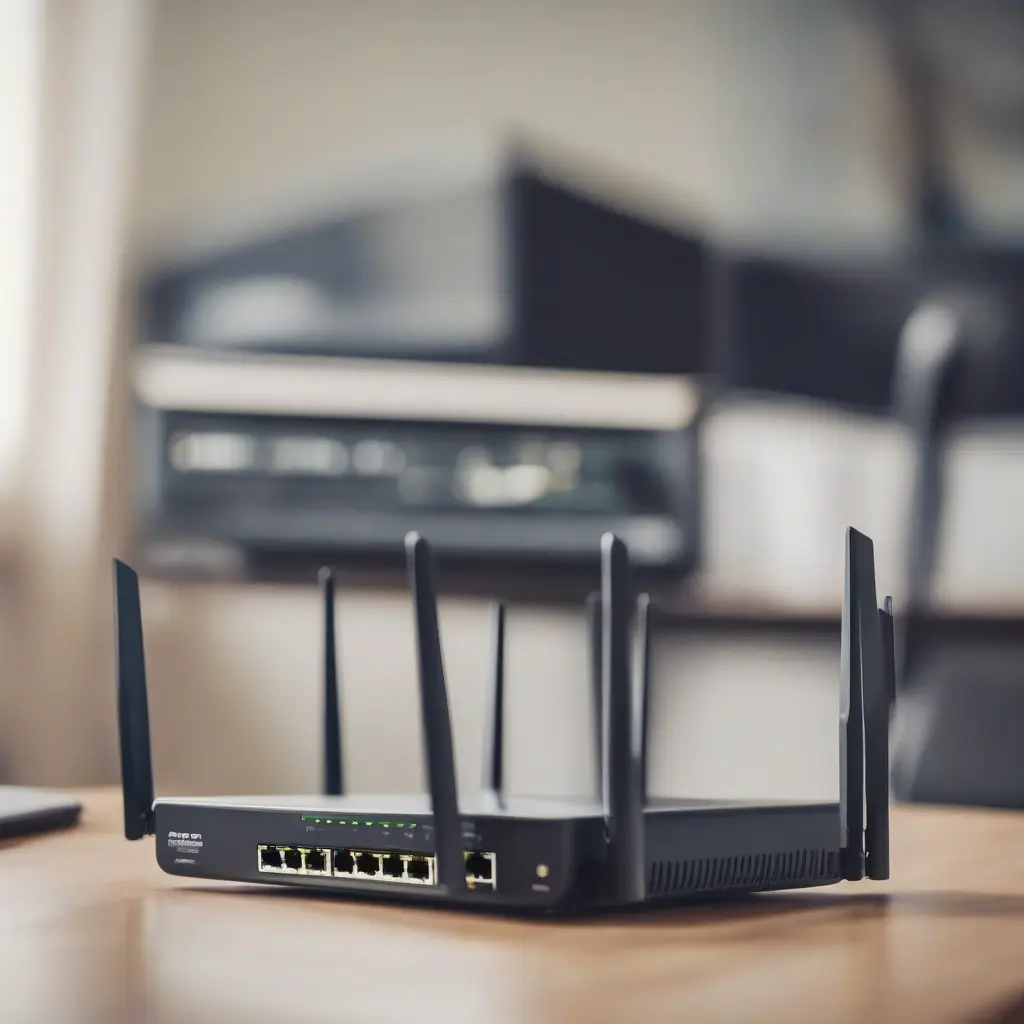
Upgrading your home network can significantly improve your internet speed, coverage, and overall experience. Whether you’re streaming movies, working from home, or enjoying online gaming, a robust network is essential. This comprehensive guide outlines simple, effective steps to enhance your home network’s performance. From choosing the right equipment to optimizing your settings, each section will provide valuable insights to help you achieve a seamless internet experience.
Assess Your Current Network Setup
The first step to upgrading your home network is to assess your current setup. Take note of your internet speed, coverage areas, and any dead zones where connectivity is spotty. This evaluation will help you identify specific areas for improvement. Use online speed tests to measure your current performance and check if you are getting the speed you are paying for. Understanding your current network’s strengths and weaknesses is crucial to pinpointing the right upgrades to implement.
Choose the Right Router
Selecting the right router is critical for network performance. Look for a dual-band or tri-band router that supports the latest Wi-Fi standards, such as Wi-Fi 6, for improved speed and efficiency. Consider features like MU-MIMO and beamforming standards that enhance connectivity for multiple devices simultaneously. Additionally, ensure the router has a strong processor and RAM to handle heavy data loads, especially in a busy household. Investing in a high-quality router will provide a solid foundation for your upgraded network.
Upgrade Your Internet Plan
Sometimes, the bottleneck in your network may be your internet service plan. Before making significant upgrades, verify that your plan matches your needs. If you’re frequently experiencing lag or buffering, consider upgrading to a faster tier offered by your internet provider. Higher bandwidth options will accommodate multiple users and devices more effectively, particularly if your household engages in high-data activities like streaming and online gaming. Review available plans and promotions to find the best fit for your usage.
Implement Wired Connections
While Wi-Fi is convenient, wired connections can significantly enhance network stability and speed. Utilize Ethernet cables to connect devices that require higher bandwidth, such as gaming consoles, smart TVs, and desktop computers. Wired connections are less prone to interference and offer more consistent performance than wireless ones. If running cables through your home is not feasible, consider powerline adapters that transmit data through your existing electrical wiring as an effective alternative.
Optimize Router Placement
Router placement can greatly impact your network’s performance. Position your router in a central location, away from walls and obstructions that might interfere with signal strength. Elevating the router on a shelf or mounting it on a wall can help distribute Wi-Fi signals more evenly throughout your home. Additionally, keep the router away from electronic devices that might cause interference, such as microwaves and cordless phones. Proper placement can help maximize coverage and reduce dead zones.
Configure Network Settings
Following hardware upgrades, configuring your network settings is vital for optimal performance. Start by changing the default router password to enhance security. Update the firmware to ensure your router operates on the latest software. Additionally, adjust the wireless channel settings to minimize interference from neighboring networks. Using the 5 GHz band improves speed and reduces congestion for devices that support it. Regularly revisit these settings to maintain an efficient and secure network.
Utilize Network Extenders and Mesh Systems
If you still encounter weak signals in certain areas of your home, consider network extenders or a mesh Wi-Fi system. Extenders boost the existing Wi-Fi signal, enhancing coverage in hard-to-reach areas. A mesh Wi-Fi system replaces your traditional router with several nodes that provide seamless coverage across your property. This approach eliminates dead zones and maintains a strong signal throughout your home. Choose a solution that best fits your space and the specific issues you face.
Secure Your Network
Security is an essential aspect of your home network upgrade. Ensure you enable WPA3 encryption, as it provides stronger protection against unauthorized access. Change the default SSID and router password to unique values and regularly monitor connected devices for potential threats. Consider implementing guest networks for visitors to keep your main network secure. Staying vigilant about security measures can protect your personal information and prevent bandwidth theft from unauthorized users.
Monitor Network Performance
Regular monitoring of your network performance helps identify issues before they escalate. Use network monitoring tools or apps to track speed, latency, and connected devices. This information can help pinpoint any slowdown issues, allowing you to make adjustments as needed. Keeping an eye on your network will guide further improvements and ensure you’re getting the most out of your upgrades. Documenting performance over time can help you identify patterns and anticipate future needs.
Plan for Future Upgrades
As your internet needs grow, planning for future upgrades is essential. Technology evolves rapidly, and what works today may not suffice tomorrow. Consider investing in equipment with upgrade paths, such as routers that support newer Wi-Fi standards as they emerge. Additionally, staying informed about advancements in networking technology allows you to make educated decisions about potential changes. Being proactive can help ensure your network keeps pace with increasing demands.
Conclusion
Upgrading your home network may seem daunting, but following these simple steps can lead to a more efficient and reliable internet experience. From assessing your current setup to planning for future upgrades, each measure plays an important role in enhancing your network’s performance. A well-optimized network allows seamless connectivity, supporting various online activities, and ensuring you stay connected with ease.